
TL;DR:
- CAD is evolving toward more integrated management of data, processes, and collaboration.
- CAD/CAM integration reduces errors and increases productivity for industrial SMEs.
- Interoperability of CAD formats is crucial to facilitate multi-software and collaborative exchanges.
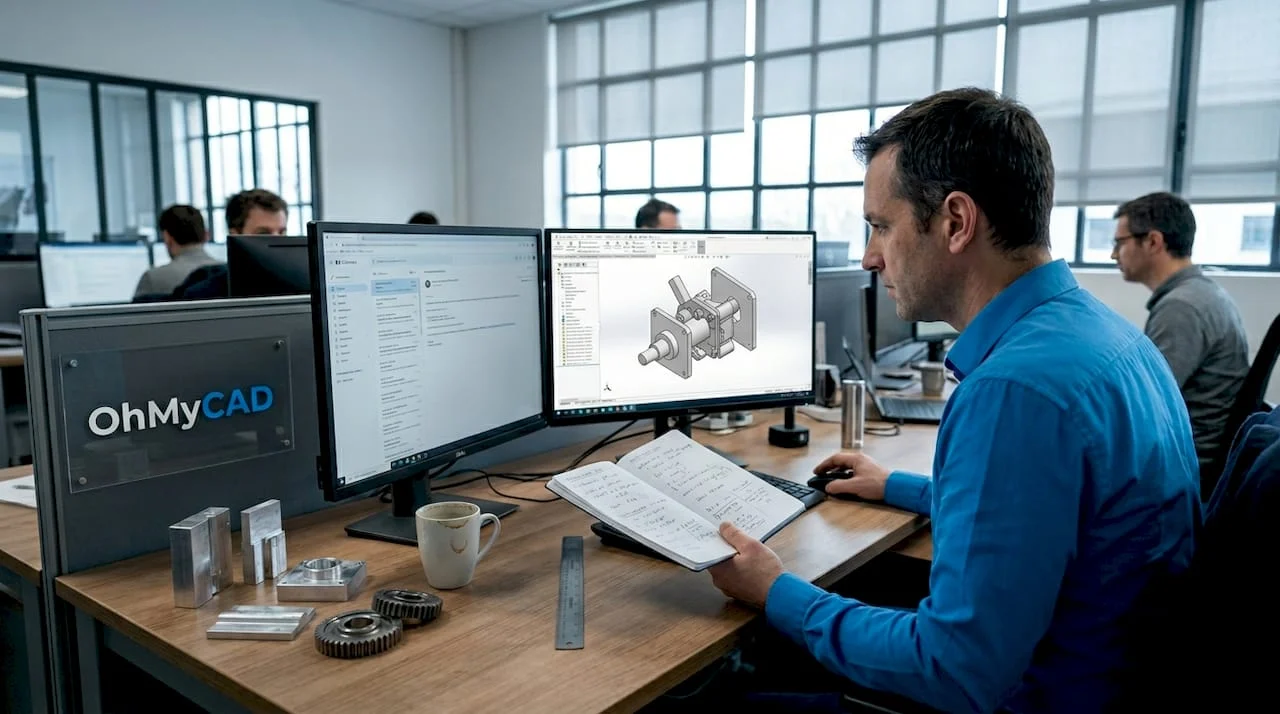
Has CAD reached maturity? This is a common idea—and yet it is wrong. In the workshops and design offices of industrial SMEs as well as deeptech startups, computer-aided design tools are experiencing unprecedented acceleration: product data management, a continuous digital thread, manufacturing integration, artificial intelligence. These changes are not cosmetic. They are redefining companies’ competitiveness and are concretely changing how they design, collaborate, and produce. Here is what you need to understand to avoid falling behind.
Table of contents
- Why CAD is evolving: business logic, data, and collaboration
- CAD/CAM integration: reduce errors and increase productivity
- Interoperability and the end of silos: the answer to complex environments
- AI and simulation: speed up decision-making, secure validation
- What most SMEs overlook about the evolution of CAD
- Tailored CAD solutions to transform your business
- Frequently asked questions about the evolution of CAD
Key Points
| Point | Details |
|---|---|
| CAD is becoming collaborative | Data/process integration connects everyone involved, from design through to manufacturing. |
| Interoperability = seamless flow | Format management and compatibility reduce silos and make file exchange easier. |
| AI: acceleration, not replacement | Artificial intelligence optimizes decision-making but does not eliminate the need for human expertise in validation. |
| Tangible gains | Automation and digital transfer help reduce errors and increase productivity by up to 30%. |
Why CAD is evolving: business logic, data, and collaboration
Having established this acceleration, let us look concretely at what is driving industrial companies to invest in new CAD tools. The answer comes down to three words: data, processes, and collaboration.
For a long time, CAD was mainly used to draw parts in 3D. Today, that view is reductive. SMEs that design complex products—with multiple subcontractors and fast revision cycles—need to track every change, identify who changed what and when, and share information in real time. That is exactly what PDM (Product Data Management) and PLM (Product Lifecycle Management) systems provide, and adoption is accelerating. PLM is rapidly becoming mainstream in SMEs because version management, traceability, and multi-stakeholder coordination are no longer reserved for large groups.
To fully understand this challenge, here are the concrete benefits of structuring data in a design office:
- No orphan versions: every CAD file is linked to a documented revision, preventing production errors caused by obsolete drawings.
- Faster validation cycles: with centralized access, teams validate in parallel rather than sequentially.
- Simplified multi-stakeholder coordination: subcontractors, customers, and internal teams access the right files at the right time.
- Auditability and traceability: every change is recorded, making certifications and quality audits easier.
Understanding the PDM function in design has become essential for any SME that wants to structure its growth without multiplying costly errors.
“The evolution of CAD is first and foremost an evolution in data and processes. PDM/PLM and digital continuity (digital thread) have become adoption drivers, no longer just options for large enterprises.”
The concept of the digital thread deserves special attention. It means continuously and coherently linking all product data from the initial idea to end of life: specifications, 3D models, simulations, manufacturing routings, field data. For an SME, this means fewer manual re-entries, fewer information breaks between departments, and far greater responsiveness when a customer requests a change. The benefits of cloud PLM fit directly into this digital-continuity logic.
CAD/CAM integration: reduce errors and increase productivity
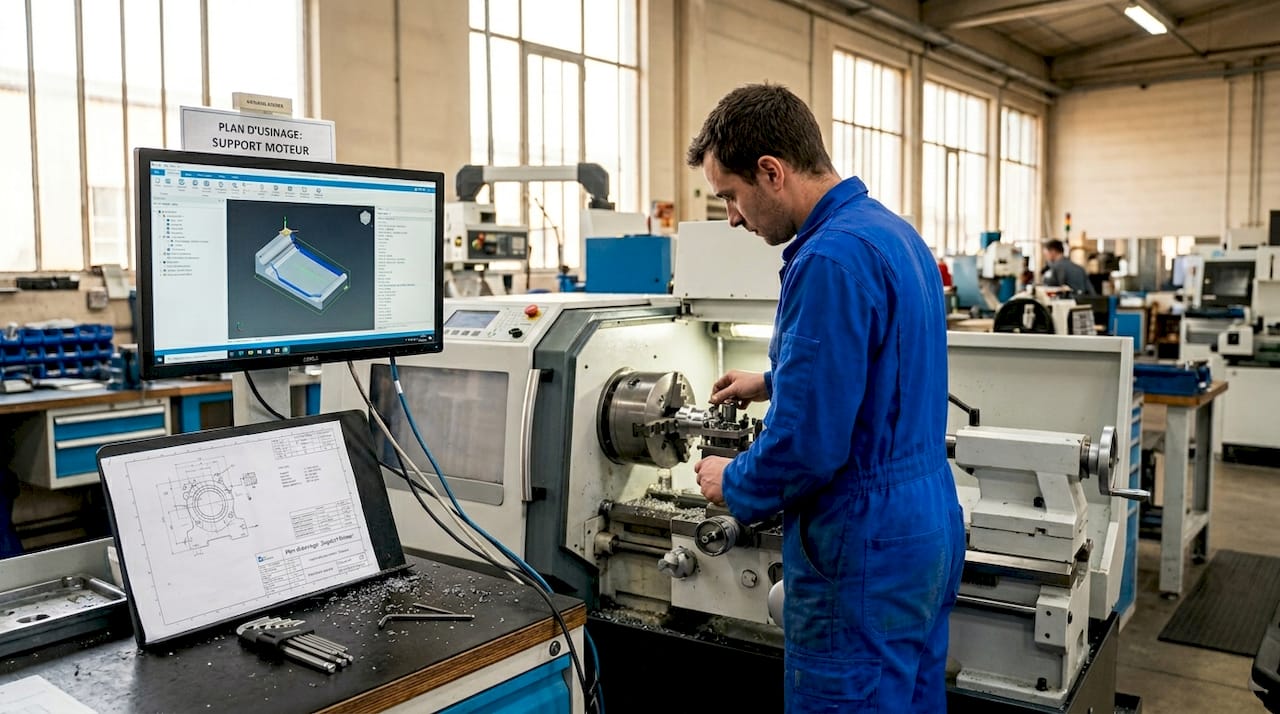
Once data is structured and connected, there is another leap to make: linking design to manufacturing. This is CAD/CAM integration (Computer-Aided Manufacturing), and it radically transforms shop-floor productivity.
What CAD/CAM integration changes in practice
| Traditional method | CAD/CAM integration |
|---|---|
| Manual re-entry of cutting data | Direct digital transfer to the CNC |
| Frequent errors during manual rework | Near-elimination of transcription errors |
| End-of-cycle validation, costly | Upfront simulation, issues corrected early |
| Long time to production | Faster machine start-up |
Integrated CAD-to-CAM/CAM workflows make it possible in practice to go directly from a validated 3D model to a machine program, without re-entry. This removes a major source of errors and significantly reduces time to production. Productivity gains of around 30% are commonly observed among manufacturers that adopt this approach.
How can you make this integration successful in an SME? Here are the key steps:
- Audit your current flows: precisely identify breakpoints between the design office and the workshop (re-entry, paper printouts, informal file exchanges).
- Choose compatible tools: ensure your CAD software exports to formats that your CAM can read directly (STEP, IGES, compatible native formats).
- Connect the reference data: link tool and material libraries between the two environments to avoid inconsistencies.
- Train teams in both worlds: operators must understand CAD data, and designers must incorporate machine constraints.
- Simulate before producing: validate programs in digital simulation before any physical run to avoid costly errors.
Pro tip: do not wait until you have a complex project to test your CAD/CAM integration. Start with a simple part, measure the time saved and errors avoided, then scale up gradually. This iterative approach lets you train teams without major risk.
CAD automation is part of the same movement: when repetitive tasks are automated (BOM generation, standardized drawings, parametric exports), your engineers focus on what creates real value. And to avoid losing anything along the way, rigorously documenting a CAD project remains a frequently overlooked condition for success.
Interoperability and the end of silos: the answer to complex environments
Integrating CAD and CAM is good. But what happens when your design office works with SOLIDWORKS, your main customer uses CATIA, and your subcontractor uses yet another tool? This is where interoperability comes into play.
A bit of history to better understand what is at stake
The history of CAD is marked by what specialists call the “kernel wars”: the war of geometric kernels. For decades, major vendors (Dassault Systèmes, Siemens, PTC, etc.) developed their own 3D modeling engines, incompatible with one another. The result: sharing a file between two pieces of software led to data loss, corrupted geometry, and considerable rework.
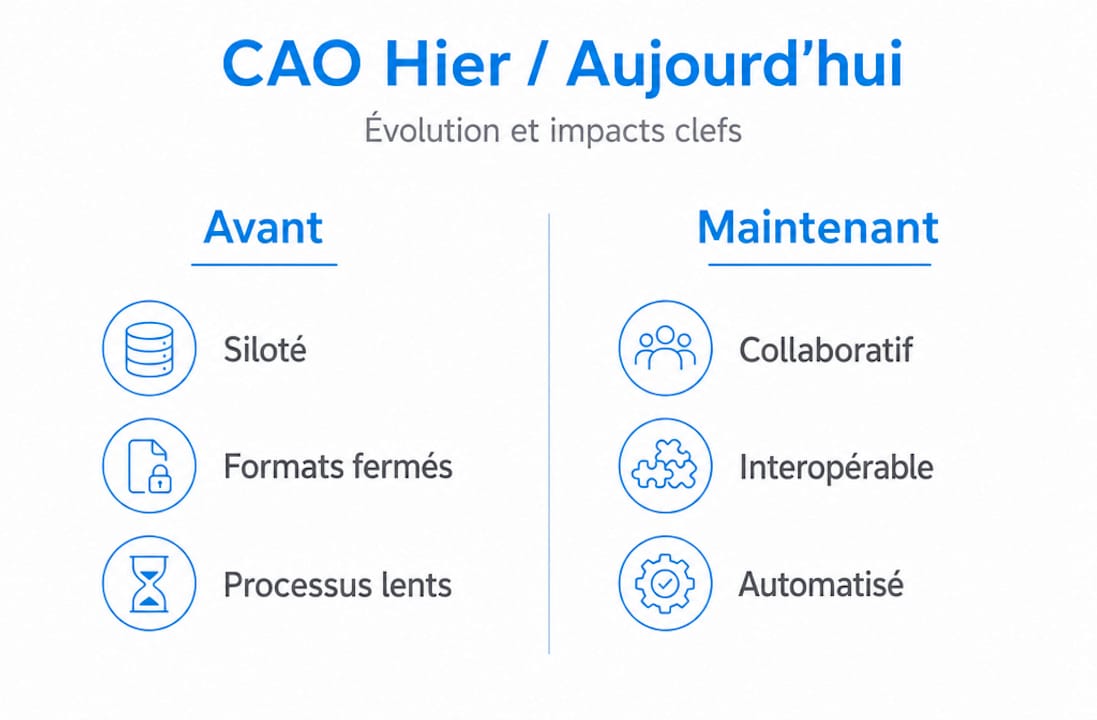
These wars gradually gave way to interoperability efforts, with neutral formats such as STEP or IGES, and platforms capable of reading multiple geometric kernels. But challenges remain.
Comparison of approaches to managing a multi-software environment
| Approach | Benefits | Limitations |
|---|---|---|
| Single native format | Maximum fidelity, no loss | Vendor lock-in, rigidity |
| Neutral format (STEP, IGES) | Broad compatibility | Possible loss of assembly information |
| Common platform (3DEXPERIENCE) | Centralized collaboration | Higher upfront investment |
| Dedicated translators | Tailored, precise | Complex maintenance |
For an SME, the right strategy is to:
- Prioritize open formats (STEP AP242 in particular) for exchanges with partners.
- Map your file flows: know who sends what to whom, and in which format, before choosing your tools.
- Avoid vendor lock-in: always check that you can export your data in a format accessible to everyone.
- Test exchanges in real conditions: do not rely on vendors’ claims without testing the full workflow.
The guide to organizing CAD files offers practical methods to structure your data to facilitate these exchanges, whatever tools your partners use.
AI and simulation: speed up decision-making, secure validation
Now that we understand the interoperability challenges, let us see how new technologies are transforming the decision-making and validation cycle in design. Artificial intelligence and integrated simulation are probably the most publicized developments of recent years. But they require a nuanced reading.
What AI and simulation deliver in practice
Integrated simulation in modern CAD software (notably SOLIDWORKS Simulation or CATIA structural analysis tools) makes it possible to virtually test how a part or assembly will behave before any physical manufacturing. You apply mechanical, thermal, or fluid constraints to your model, and the software predicts weak areas, deformations, or failure risks.
The benefits for an SME are direct:
- Reduced time-to-market: fewer costly physical prototypes to build.
- Fewer production errors: defects are identified and corrected upstream.
- Better product performance: designs are optimized from the design phase.
AI, for its part, is beginning to be integrated into functions such as automatic shape generation (generative design), material suggestions, or real-time feasibility analysis. These tools are promising and already available in some advanced versions of Dassault Systèmes platforms.
“AI and integrated simulation speed up and improve upstream decision-making, but they are not intended to replace the human validation phase in mechanical engineering in the face of digital complexity.”
Pro tip: simulation is only useful if the input parameters (materials, boundary conditions, loads) are correctly defined. A poorly configured simulation can create false confidence. Train your teams not only to use the tool, but also to interpret and challenge the results.
It would therefore be risky to blindly delegate validation to an algorithm. Engineers’ expertise remains fundamental to interpret simulation results, detect incorrect assumptions, and validate that the digital model truly matches physical reality. To stay informed about CAD innovations in 2026 and understand how to leverage parametric CAD, you must combine technology watch with continuous upskilling.
What most SMEs overlook about the evolution of CAD
Here is our conviction, after supporting many industrial SMEs and startups in their digital transformation: the real barrier to CAD evolution is not technological. It is human and organizational.
Companies that adopt new tools without rethinking their working methods do not achieve the expected gains. They pay for advanced licenses, but continue to email files, approve printed drawings, and work in silos. The tool evolves, but practices remain frozen.
What we consistently observe in SMEs that successfully transition their CAD is a combination of three elements. First, they structure their data flows even before choosing new software. Second, they truly train their teams, not only to use the software, but to change their mindset: moving from an individual-file culture to a shared-project culture. Third, they measure results, defining simple indicators (revision cycle time, number of production errors, drawing lead time) to validate progress.
Knowledge sharing between teams is often the breaking point. A design office where each engineer works in total autonomy, without shared conventions or standards, cannot benefit from collaborative tools. It is a company culture issue, not a software issue.
Our recommendation: before investing in new tools, audit your current practices. Selecting innovative CAD tools suited to your context must come after this diagnosis, not before. Those who do the opposite waste time and money.
Tailored CAD solutions to transform your business
The digital transformation of your design office may seem complex, but you do not have to lead it alone. At Ohmycad, we support industrial SMEs and startups exactly where they are, with solutions tailored to their size and objectives.
Our team of SOLIDWORKS and CATIA experts helps you choose the right licenses, structure your data flows, and train your teams using concrete cases from your business. Whether you need SOLIDWORKS-certified hardware to run your simulations smoothly, or practical guides to organize your CAD files right away, we have the right resources. Explore all our solutions on ohmycad.com and make your next step a decisive one for your competitiveness.
Frequently asked questions about the evolution of CAD
What is the digital thread, and why is it important for an SME?
The digital thread links all product data from design to manufacturing, improving traceability, responsiveness, and collaboration across industrial ecosystems. For an SME, it is a practical way to eliminate information breaks between departments and reduce costly errors.
How does CAD help reduce errors in manufacturing?
CAD/CAM integrations enable direct digital transfer to CNC machines, limiting human errors related to re-entry and speeding up production times by up to 30%. Fewer intermediaries between the 3D model and the machine means fewer risks of deviation.
Will AI replace CAD engineers for validation?
No: AI and simulation speed up upstream decision-making, but they do not replace the human expertise required during validation and critical review phases. The engineer remains essential to interpret results and validate modeling assumptions.
Why has interoperability of CAD formats become central?
With expanded supply chains, the history of CAD kernels shows that tool incompatibilities long hindered exchanges. Today, choosing open formats and compatible platforms is essential to gain productivity and avoid roadblocks with your partners.




