

Finding an effective solution for your professional projects can quickly become a real challenge. Each tool has its advantages, its differences, and its unique features that make a difference. With so many options, how do you choose the one that best meets your needs in 2026? Some solutions offer more flexibility, while others emphasize simplicity or price. One thing is certain: comparing before deciding can sometimes lead to pleasant surprises.
Table of contents
Ohmycad
At a Glance
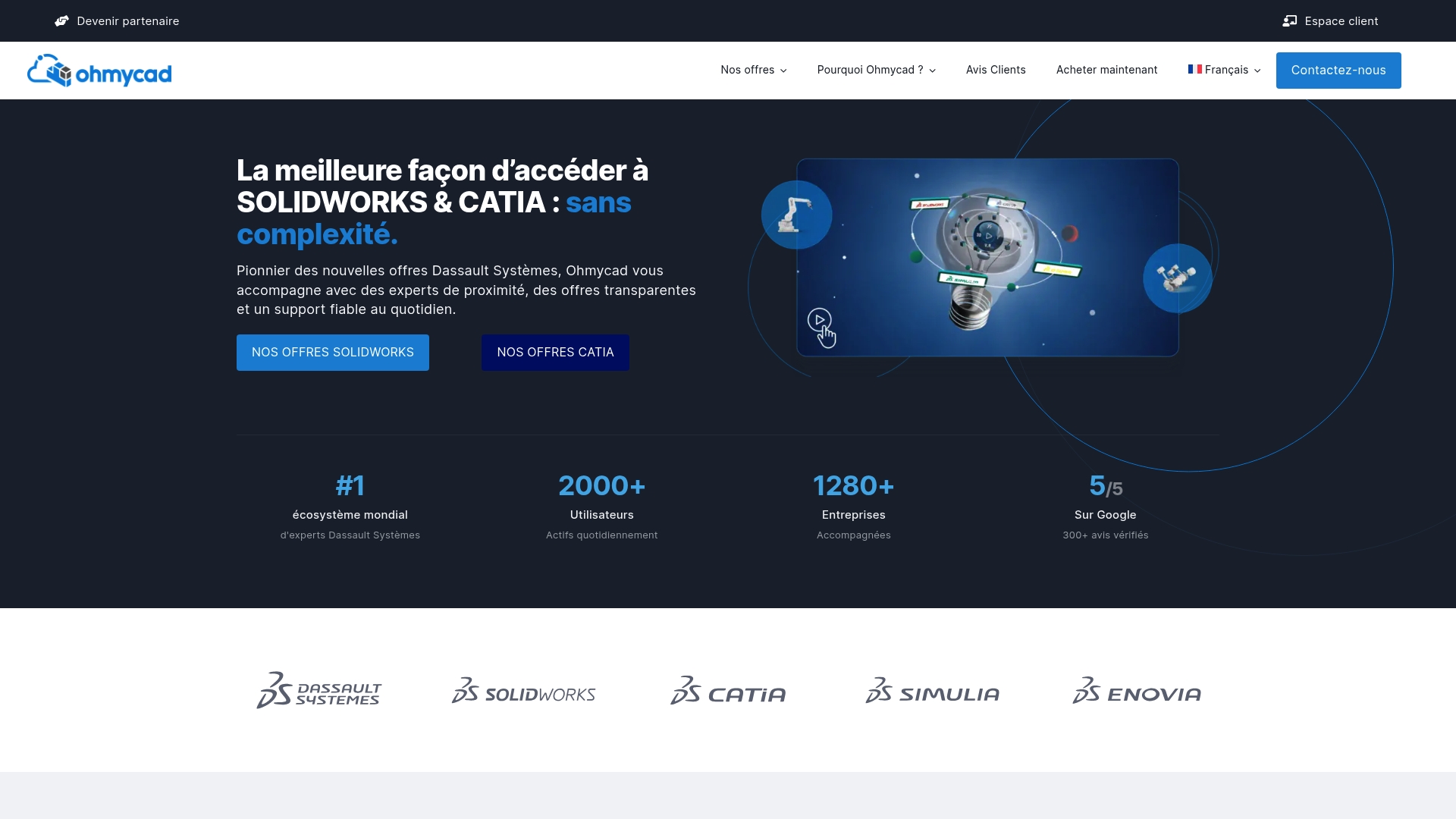
Ohmycad stands out as the top-tier solution for industrial startups and SMEs seeking a comprehensive approach to 3D CAD. Its specialization in Dassault Systèmes products makes it an obvious choice for serious design and industrialization projects.
Ohmycad combines software, training, and support to reduce technical friction during the adoption of advanced design tools.
Key Features
The platform offers SOLIDWORKS and CATIA as its core offering, with integration of 3DEXPERIENCE and PLM/PDM tools. It also provides training, coaching, and daily support, plus resources and webinars to accelerate skill development.
The offering covers consulting, cloud integration, and personalized support to assist with the digital transformation of product development.
Advantages
-
Solid Dassault Systèmes expertise. The team is proficient in SOLIDWORKS, CATIA, and 3DEXPERIENCE, which reduces integration risks and shortens the learning curve.
-
Flexible offers tailored to company sizes. Startups, SMEs, and freelancers benefit from pricing and support adjusted to their specific needs.
-
Comprehensive support including training and coaching. Daily support and training sessions increase team efficiency in production.
-
Positive customer reviews and high satisfaction. Published testimonials and resources build confidence for informed purchasing decisions.
-
International presence with offices in Paris, Coventry, and Amsterdam. This presence facilitates local support for teams spread across Europe.
Target Audience
Ohmycad targets companies and professionals seeking Dassault Systèmes solutions with comprehensive support. Rapid prototyping startups, production SMEs, and engineering freelancers directly benefit from the software-plus-coaching combination.
Technical teams looking to limit implementation errors and increase productivity choose this offering.
Unique Value Proposition
Ohmycad stands out with a rare mix: personalized support, deep product expertise, and a network of certified partners. For an informed buyer, this means less time wasted on adjustments, more secure PLM/PDM integration, and measurable skill transfer.
Technical decision-makers prefer Ohmycad because the platform is not just a reseller. It is a partner that combines training, daily support, and cloud integration, creating a rapid skill development trajectory and a clear return on investment.
Real-world Use Case
A startup used Ohmycad to design prototypes in SOLIDWORKS with continuous coaching and customized training. The result: reduced design iterations and improved product quality during the pre-production phase.
This type of support makes the transition to production smoother for teams with limited resources.
Pricing
Pricing details are not published. Interested clients should contact Ohmycad to obtain a personalized quote based on the desired software scope, training, and support level.
Pro tip: prepare your user volume and PLM needs to accelerate the quote process.
Website: https://ohmycad.com
Ditra

At a Glance
Ditra targets industrial companies seeking comprehensive CAD/CAM services, 3D printing, and 3D scanning, backed by operational expertise. Its strength lies in over 30 years of industry experience in Bulgaria and an offering focused on training and support.
Key Features
The company offers a range of services from digitalization consulting to the implementation of production solutions. Offerings cover prototyping, 3D printing and scanning, as well as support for managing engineering activities.
Training and webinars complement the offering to improve internal team skills. The company also organizes professional events to foster exchange among specialists.
Practical for an SME that wants to align internal skills and technologies without multiplying contacts. Simple. Clear.
Advantages
-
Extensive sector experience guarantees an understanding of industrial constraints and production processes.
-
Comprehensive offering covers design, manufacturing, printing, and support, reducing breaks between project phases.
-
Training program quickly enhances team skills in CAD/CAM and 3D technologies.
-
Customer support is presented as responsive and project-oriented, useful during deployment phases.
-
Flexible pricing conditions and promotional rates for early bird registrations facilitate budget planning.
Disadvantages
-
Dispersed product information makes it difficult to quickly identify a specific software product on the website.
-
Wide range of services can confuse an SME looking only for a single, standardized software solution.
-
Lack of public technical details on certain tools requires contacting a sales representative for specifications.
Who It’s For
This offering suits industrial SMEs aiming for progressive digital transformation and wanting to keep execution in-house. R&D managers and production managers seeking to combine training and technological integration will find a partner capable of supporting multiple project stages.
Unique Value Proposition
Ditra focuses on combining extensive industrial experience with a broad spectrum of services. The company offers not only technologies like 3D printing and scanning but also a training component to help your teams quickly leverage these tools. A complete package, focused on skill development.
Real-world Use Case
A traditional manufacturer engaged Ditra to launch a pilot phase of digitalization. The intervention included CAD/CAM training, prototyping via 3D printing, and implementation advice for production. Expected result: reduced design lead time and improved ability to test variants.
Pricing
Prices vary by service or event. For events, for example, rates start at €195 excluding VAT per person in a double room for early registration. Custom services require a quote.
Website: https://ditra.bg
SpaceCAD
In Brief
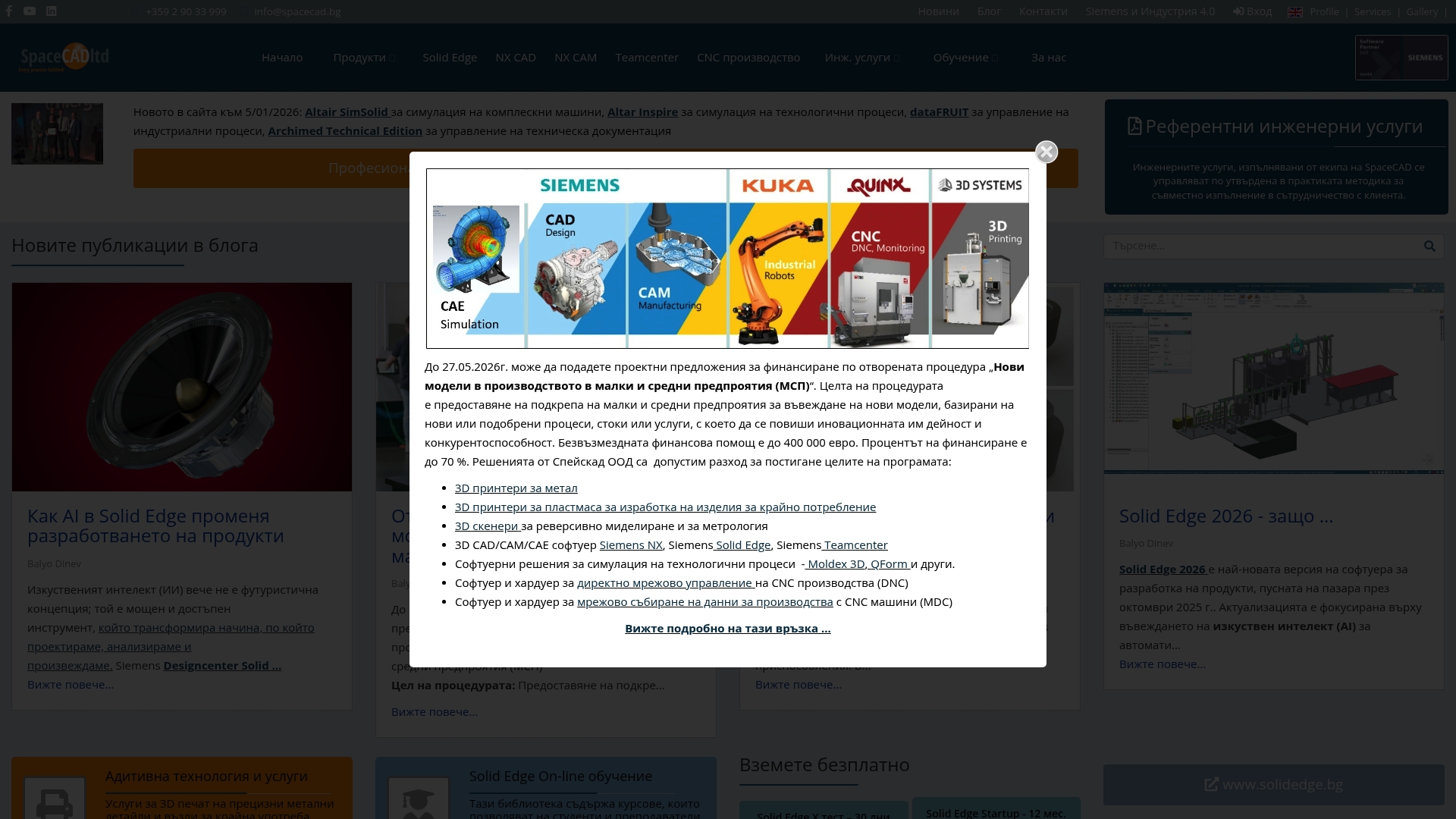
SpaceCAD has been offering CAD/CAM/CAE solutions and engineering services tailored for industrial clients since 1996, with a focus on Industry 4.0 and technical training for teams. Its approach combines software integration, funding support, and customized services.
Key Features
SpaceCAD covers the complete product development cycle with software-assisted design, simulation, and manufacturing, while also providing professional training and technical consulting. Its partnerships with Siemens and other manufacturers enhance access to advanced tools and methods.
Advantages
-
Long-standing experience: Operating since 1996 signifies a solid knowledge base and proven processes for managing complex industrial projects and reducing technical risks during development.
-
Comprehensive range of services: The offering includes design, simulation, machining, and training, allowing multiple project stages to be entrusted to a single point of contact and saving time on technical transfers.
-
Technological partnerships: Collaborations with recognized players like Siemens ensure access to robust software solutions and updates compliant with industry standards.
-
Funding support: Assistance with preparing applications and securing European programs facilitates investment in digital tools for growing SMEs.
-
Training and skill transfer: Courses and workshops enable rapid development of internal skills, reducing reliance on outsourcing in the long term.
Disadvantages
-
Opaque pricing: The website does not detail prices or packages, requiring commercial discussions to obtain a clear estimate and slowing down decision-making.
-
Lack of online demonstration: The absence of a demo or direct purchase prevents quick evaluation by a busy SME looking to validate a solution without lengthy sales meetings.
-
Adaptation for small structures: Some solutions appear geared towards medium to large industrial companies and require consultation to be adapted to the budgetary and technical constraints of a startup.
Who It’s For
SpaceCAD is aimed at industrial engineers, R&D managers, and production managers seeking advanced technical integration between design and manufacturing, as well as training institutions looking to strengthen their practical curricula.
Unique Value Proposition
SpaceCAD combines software expertise, engineering services, and funding support to offer a complete digital transformation journey, useful when you want to internalize design and production with professional tools and project support.
Real-world Use Case
A company used SpaceCAD to design a new automated process, performing simulations to optimize the chain, then training its engineers to operate and maintain the installation, reducing downtime during commissioning.
Pricing
Prices depend on the chosen products and services and are not published on the website. SpaceCAD recommends contacting the sales team to receive a personalized offer tailored to the project scope.
Website: https://www.spacecad.bg
CAD Point Ltd.
In Brief
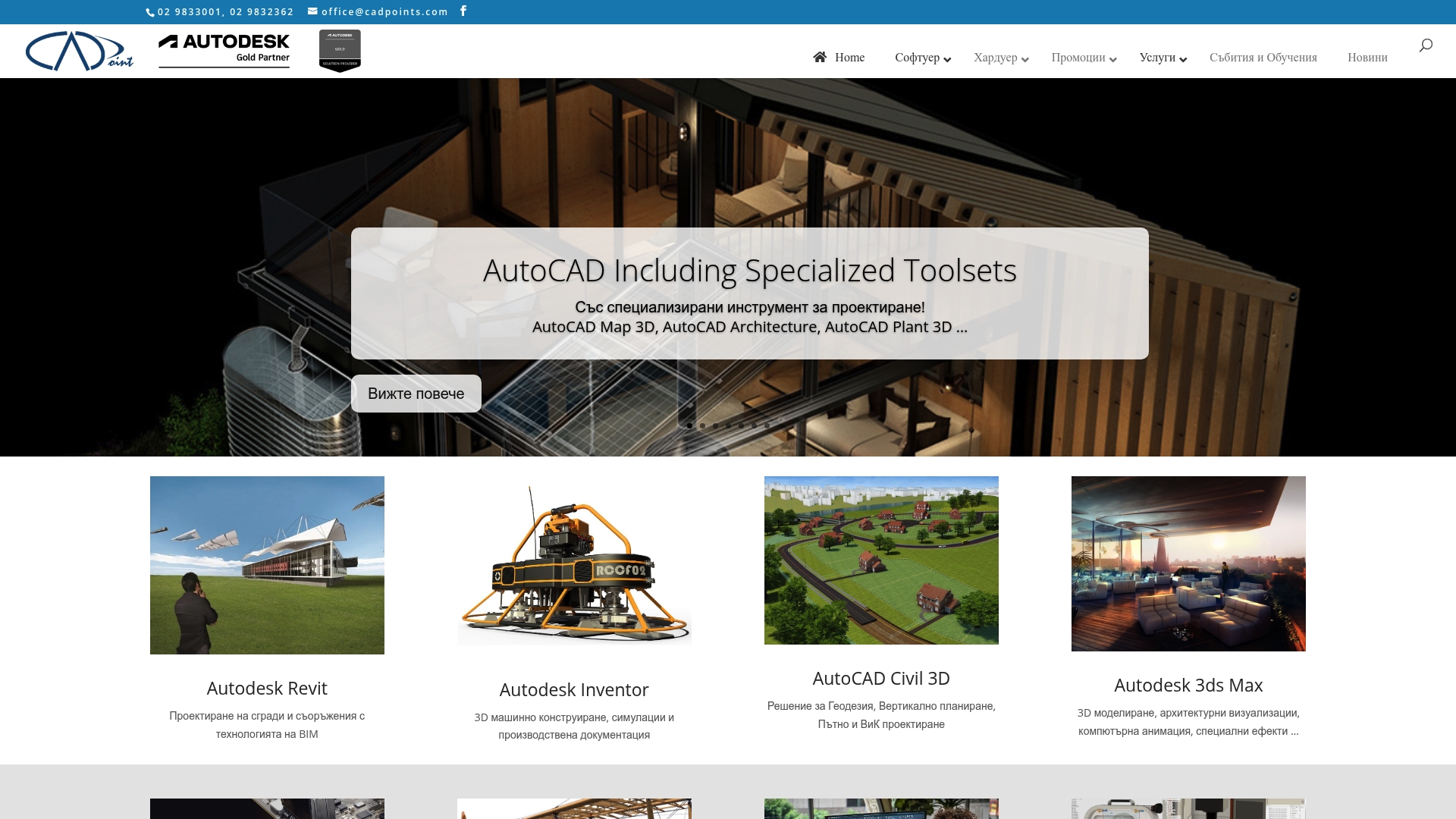
CAD Point Ltd. offers a wide range of software and hardware products dedicated to CAD, BIM, and 3D modeling for the Architecture, Engineering, and Construction sectors. Their strength lies in the combined offering of licenses, hardware, and training for technical teams.
CAD Point targets teams that want to centralize purchases and skill development without multiplying contacts. Their site serves as a central catalog but often requires direct contact for technical details or quotes.
Key Features
The company distributes software collections such as Autodesk Product Design and Manufacturing Collection and AEC Collection, as well as visualization and rendering solutions. The catalog also covers Rhino, Altium, and Chaos Group.
On the hardware side, CAD Point offers 3D printers, scanners, and peripherals like 3D mice to improve modeling precision. They complete the offering with training and consulting services.
They provide practical services such as on-demand 3D printing and product support, useful for validating prototypes or training teams on new tools.
Advantages
- Extensive portfolio: The variety of software and hardware allows a design factory to be equipped from CAD to prototyping without looking elsewhere.
- Official distributor: Working with recognized suppliers like Autodesk or Rhino reduces compatibility risks and facilitates access to professional licenses.
- Integrated training: Educational modules and training sessions facilitate rapid adoption by technical teams in industrial SMEs.
- Professional hardware solutions: The 3D printers and scanners offered are suitable for prototyping and small-batch production.
- Visible promotions: A promotions section allows identifying cost-effective purchasing opportunities for tight budgets.
Disadvantages
- Limited descriptions on the website: The content focuses on listings and links without always detailing use cases or technical specifications.
- Dense user journey: The large number of categories can overwhelm a busy purchasing manager or engineer looking for a quick answer.
- Indirect price access: Prices are not clearly published online and require a commercial exchange to obtain an accurate quote.
Who It’s For
CAD Point is suitable for industrial SMEs and technical startups that wish to centralize license purchases, prototyping hardware, and training. Target this offer if your team already uses Autodesk or Rhino and needs a partner for licenses and skill development.
Unique Value Proposition
CAD Point combines official distribution of professional software and a hardware offering dedicated to prototype manufacturing. This integration reduces coordination time between software, hardware, and training purchases for your product projects.
Concrete Use Case
A civil engineering firm uses Autodesk Civil 3D and Revit to coordinate infrastructure and buildings. The team purchases 3D mice to improve modeling and undergoes internal training provided by CAD Point to accelerate document delivery.
Pricing
Prices are not published on the website. Interested clients must request a personalized quote or contact the sales department to obtain a proposal tailored to their needs and purchase volume.
Website: https://cadpoints.com
Mcad.bg
In Brief
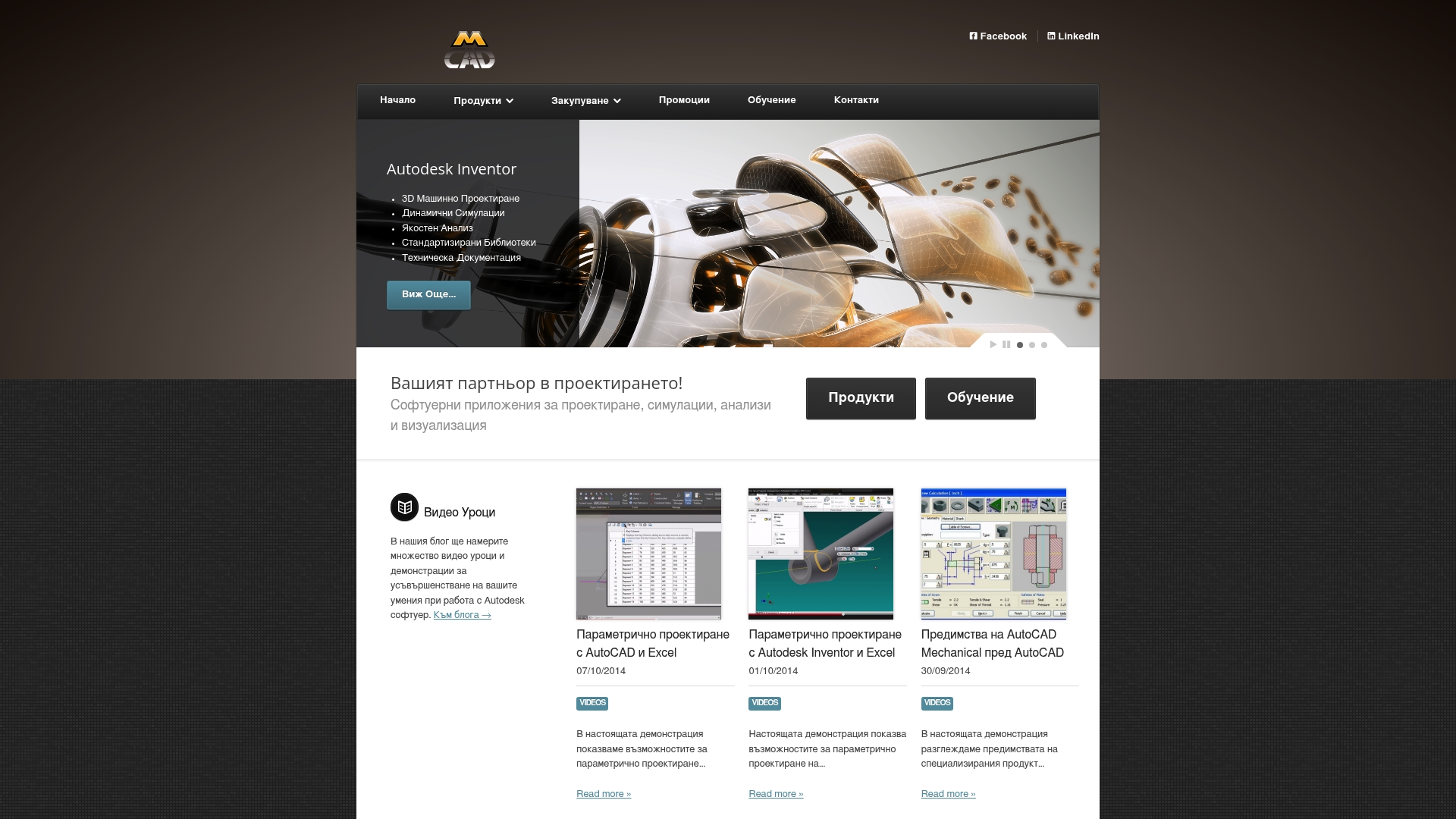
Mcad.bg offers a focus on AutoCAD and Autodesk Inventor with complementary services for simulation, documentation, and training. It clearly targets teams in Bulgaria seeking Autodesk solutions, with good local support but limited public information.
Key Features
The platform brings together software for 2D and 3D design, simulation and analysis tools, and technical libraries to accelerate document creation. It also offers industry-specific packages adapted for manufacturing, architecture, and media, as well as training resources for skill development.
Advantages
-
Wide selection of Autodesk products. Mcad.bg covers several recognized solutions, facilitating grouped purchases for multi-tool projects.
-
Industry-specific packages. Pre-configured offers help industrial SMEs get started without randomly assembling licenses.
-
Training options. The availability of training reduces adoption time for technical teams and students.
-
Local support and contact. An entry point in Bulgaria simplifies procedures for companies that prefer a regional contact.
-
Licensing information. Basic details on licensing and pricing are provided, helping to prepare a commercial request.
Disadvantages
-
Content primarily in Bulgarian. The language limits accessibility for French-speaking or international teams without local support.
-
Limited product details online. Public pages lack in-depth technical information, requiring contact with the service to confirm capabilities.
-
Purchase on request. Pricing and the purchase process require direct communication, which extends the time to obtain a final quote.
Who It’s For
Mcad.bg is suitable for professionals and organizations in engineering, architecture, and media based in Bulgaria or working closely with Bulgarian teams. Industrial SMEs that need AutoCAD, Inventor, and training support will find a suitable contact.
Unique Value Proposition
The value of Mcad.bg lies in its localized positioning around Autodesk products, coupled with industry-specific packages and training services. This combination facilitates deployment for SMEs looking to purchase licenses and skills from the same source.
Real-world Use Case
A manufacturing company in Bulgaria purchases AutoCAD and Autodesk Inventor via Mcad.bg to design components and produce technical documentation. The provider complements the purchase with targeted training, which accelerates the production of the first parts.
Pricing
Prices are not clearly published on the website. Pricing is provided upon request and varies depending on the license type and duration. Expect to contact sales to obtain a tailored quote.
Website: https://mcad.bg
Comparison of Computer-Aided Design Tools
This table compares several platforms offering CAD services, their target audience, key features, as well as associated advantages and disadvantages to help choose the most suitable solution.
| Platform | Description | Advantages | Disadvantages | Pricing |
|---|---|---|---|---|
| Ohmycad | Specialized offering for Dassault Systèmes solutions, including SOLIDWORKS and CATIA. | Comprehensive support, recognized expertise, positive customer reviews. | Pricing information not available online. | Quote on request, based on defined scope. |
| Ditra | CAD/CAM services, 3D printing, and digitalization consulting, with over 30 years of experience. | Extensive experience, comprehensive offering, training included. | Difficulty finding specific technical information on the website. | Variable pricing, promotions available. |
| SpaceCAD | CAD/CAM/CAE solutions with Industry 4.0 support and engineering services since 1996. | Broad range of services, technological partnerships, effective training. | Opaque online pricing, lack of demonstrations. | Customized offer upon commercial request. |
| CAD Point | CAD/BIM products, hardware, and training for architecture and construction. | Large product portfolio, official distribution, support for skill development. | Dense user interface, limited technical details. | Commercial contact required to obtain information. |
Discover a reliable alternative for your 3D CAD needs
In this article on the best alternatives to haycad-infotech.bg, you have undoubtedly recognized the challenges associated with finding a CAD solution that combines expertise, personalized support, and high-performance technologies like SOLIDWORKS or CATIA. Many experience the frustration of integrating complex tools without adequate support, which slows innovation and increases technical errors.
Ohmycad precisely addresses these challenges by offering a comprehensive approach centered on Dassault Systèmes software. Ohmycad.com supports startups and SMEs with clear, transparent service and a network of experts close to your needs.
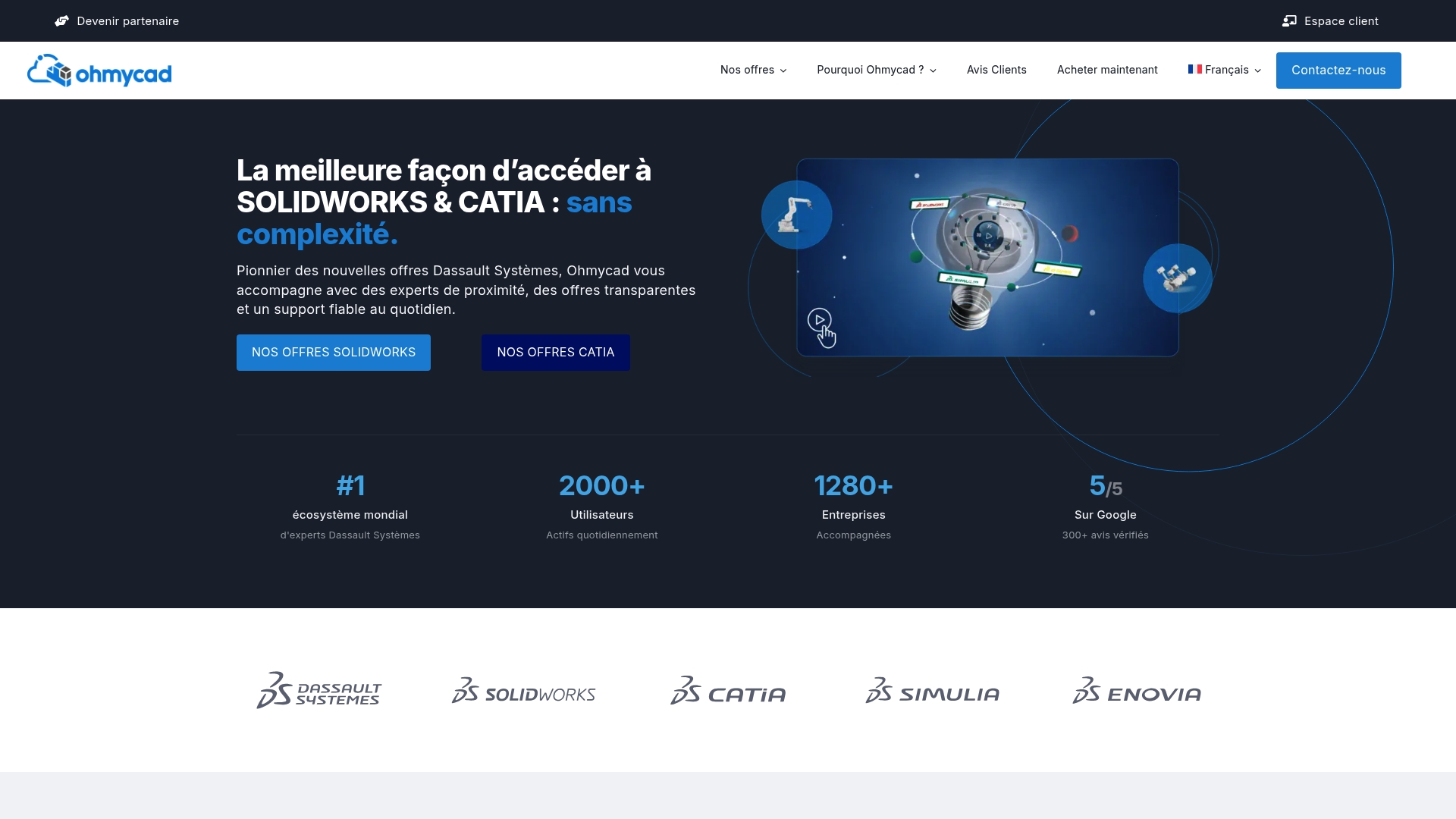
Ready to simplify the transition to efficient and controlled 3D CAD? Visit Ohmycad now to discover personalized offers and benefit from a true partner to succeed in your design and industrialization project.
Frequently Asked Questions
What are the main characteristics to compare among alternatives to haycad-infotech.bg?
Alternatives to haycad-infotech.bg generally differ in features such as 3D modeling, simulation tools, and customer support. Evaluate your options using clear criteria like ease of use and training availability.
How do I determine which of the alternatives to haycad-infotech.bg is best suited for my company?
First, identify your specific CAD and engineering needs. Then, create a list of priorities to select the one that best meets your workload, budget, and technical requirements.
What are the typical costs associated with alternatives to haycad-infotech.bg?
Costs can vary significantly depending on the features and pricing chosen, ranging from monthly licenses to annual packages. Request detailed quotes to compare options over the long term, ideally within 30 days of your inquiry.
What are the best practices for transitioning to an alternative to haycad-infotech.bg?
For a successful transition, start with a planning phase where you identify the required skills. Then, implement a training plan for your team within 30 days of the change.
How do I evaluate the customer support of alternatives to haycad-infotech.bg?
Evaluate customer support by checking reviews, consulting available training resources, and testing service responsiveness before committing. Ensure that support is easily accessible and offers solutions within a reasonable timeframe, ideally within 24 hours.
Are there free trials available to try alternatives to haycad-infotech.bg?
Yes, many alternatives offer free trial periods to test features before deciding. Take advantage of this opportunity to assess if the software meets your expectations, ideally during the first week of use.




