
Would you like to know if your OPCO can finance part of your training program, but don’t know how to set up an account and choose between the 11 different OPCOs? Here’s a guide to help you do just that.

Step 1: Find your code Main activity (APE)
Your principal activity (APE) is available by searching on société.com
a. Open company.com
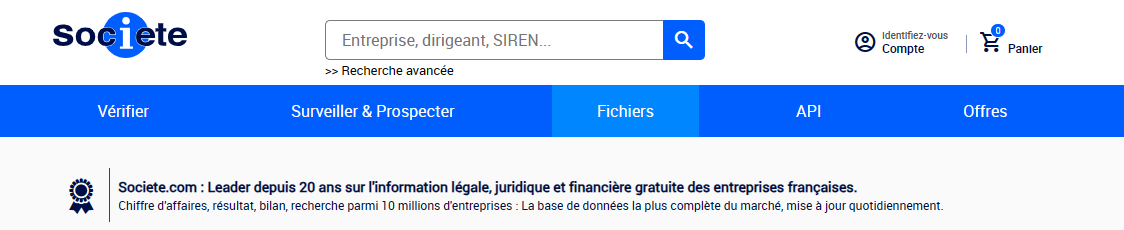
b. Search for your company to find the APE code

The code in this case is: 7112B
Step 2: Identify the OPCO to which you belong
Click on Know your OPCO. You will arrive on this page:
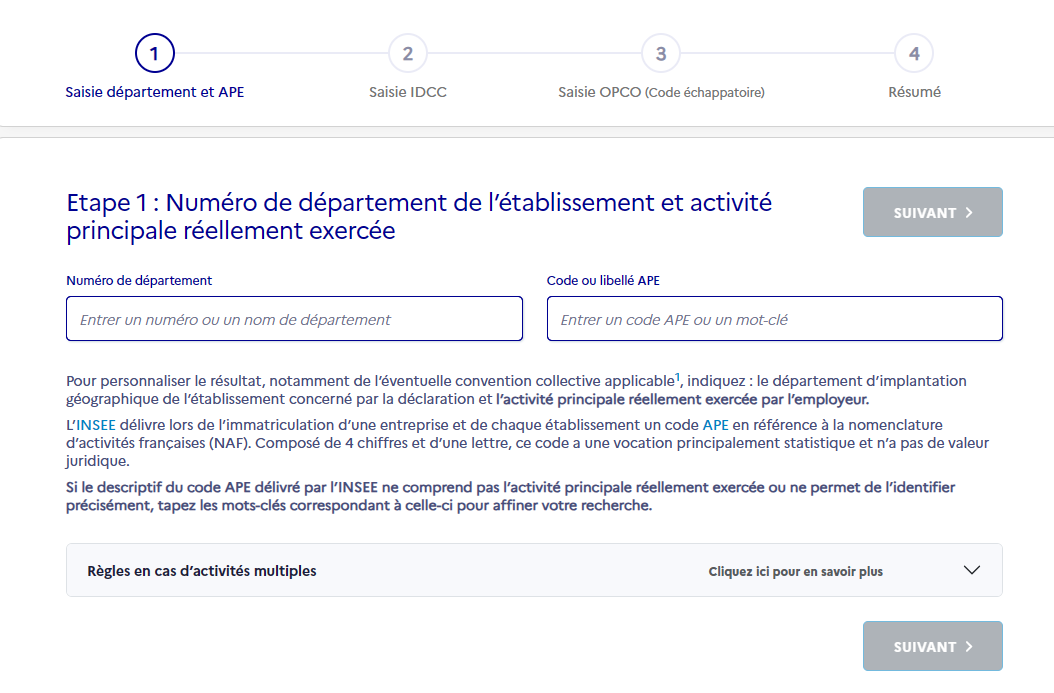
You can now complete the APE and click on Next :
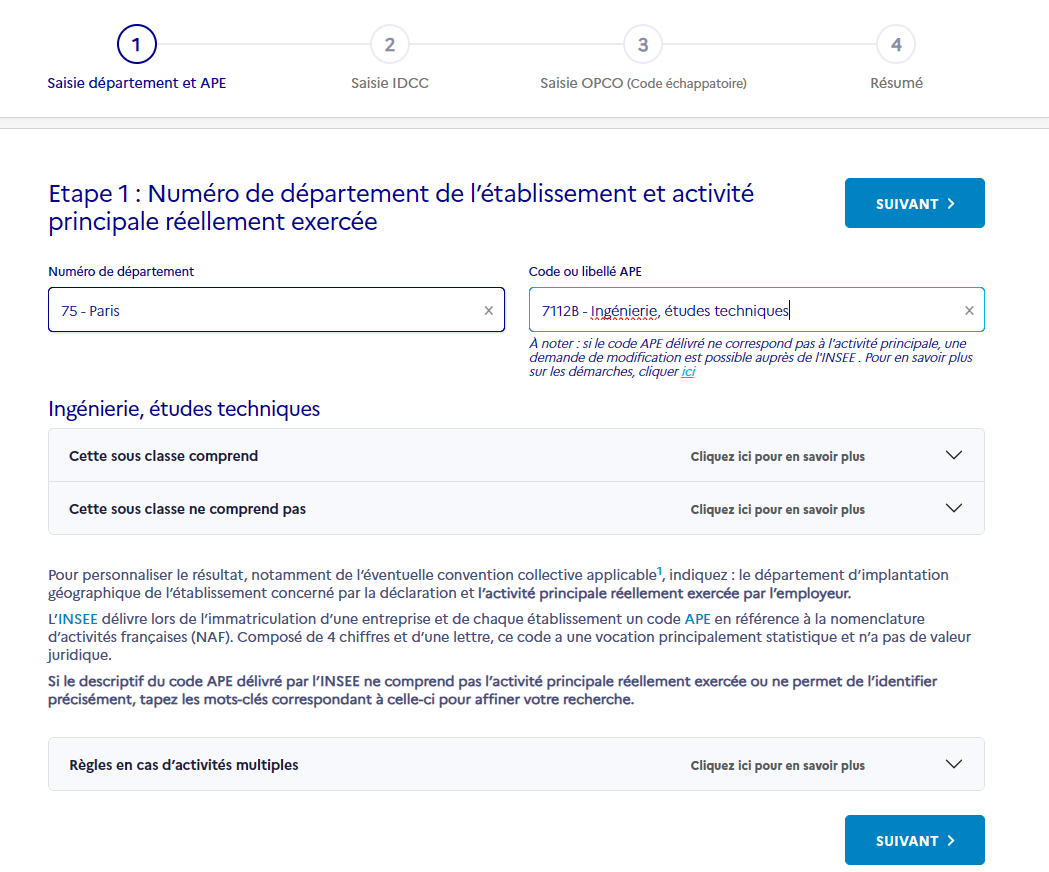
Step 3: Find your Collective Agreement Identifier ( IDCC)
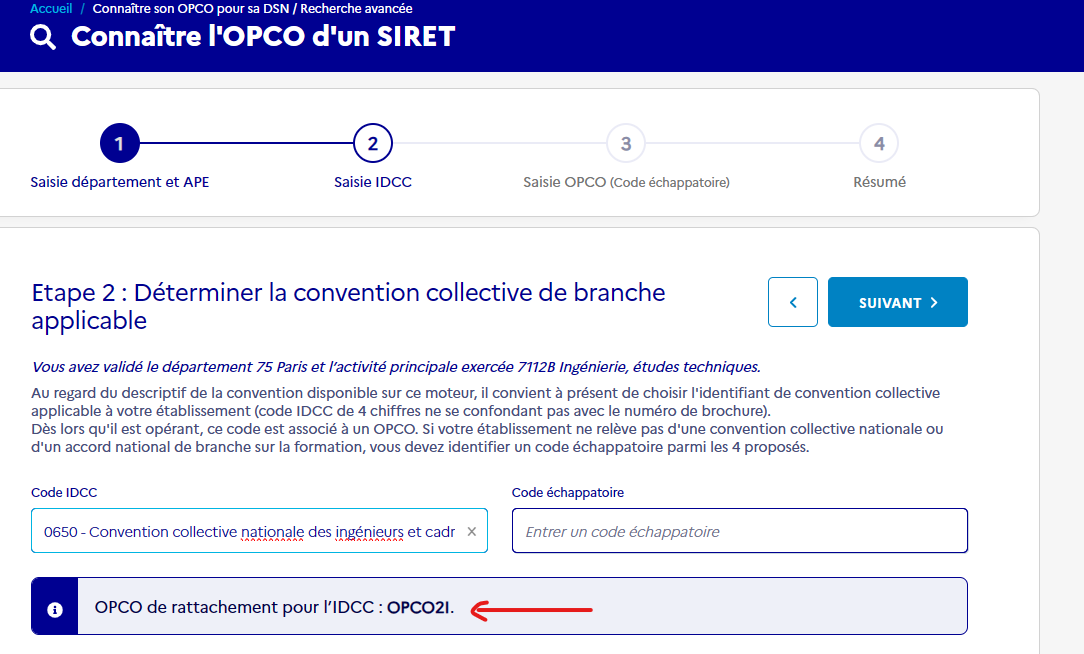
After pressing “Next”, you are now asked to fill in the IDCC.
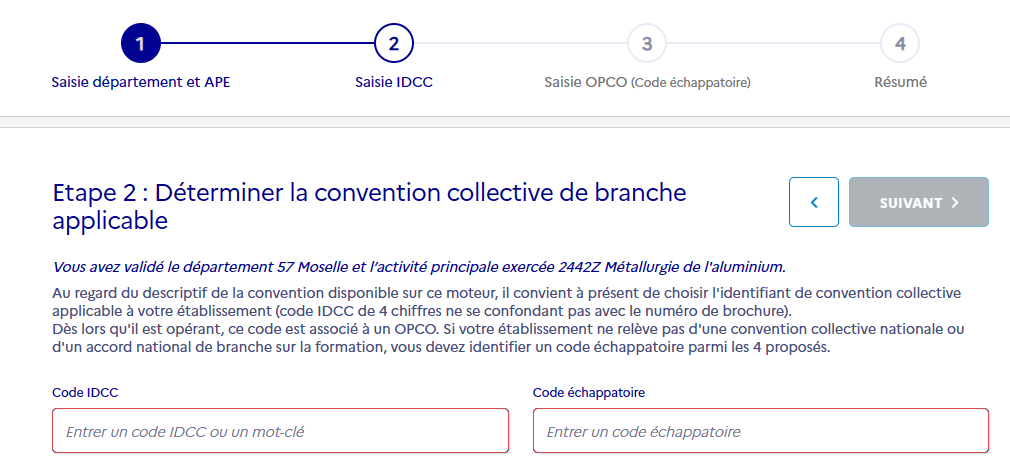
The Collective Agreement is a company choice. To find the IDCC, check your salary bulleting.
The IDCC can be found on your pay slip, after the “collective bargaining agreement” field.
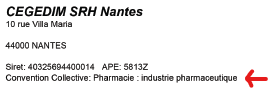
Once the IDCC has been entered, the name of your OPCO appears in a blue box:
Step 4: Create an account with your OPCO
You’ve found your OPCO!
Now all you have to do is create an account to apply for financing.
Click on the OPCO that appears to create an account:
Tip:
If you can’t connect, contact them directly. They’ll be able to tell you the budget allocated to each employee.
Step 5: Apply for financing
All that’s left to do is apply for funding on the OPCO website.
Need help?
post tags :
solidworks online
Solidworks 3DEXPERIENCE
Solidworks for startups
industrial startup
SOLIDWORKS 2026 pricing
industrial
startup
associative
solidworks legal
solidworks hacking
free licenses
subscriber
lium
solidworks
incubator
drafter
cloud
technical support
catia
CATIA V5
heavy-duty assemblies
solidworks design 2026
Solidworks cloud




