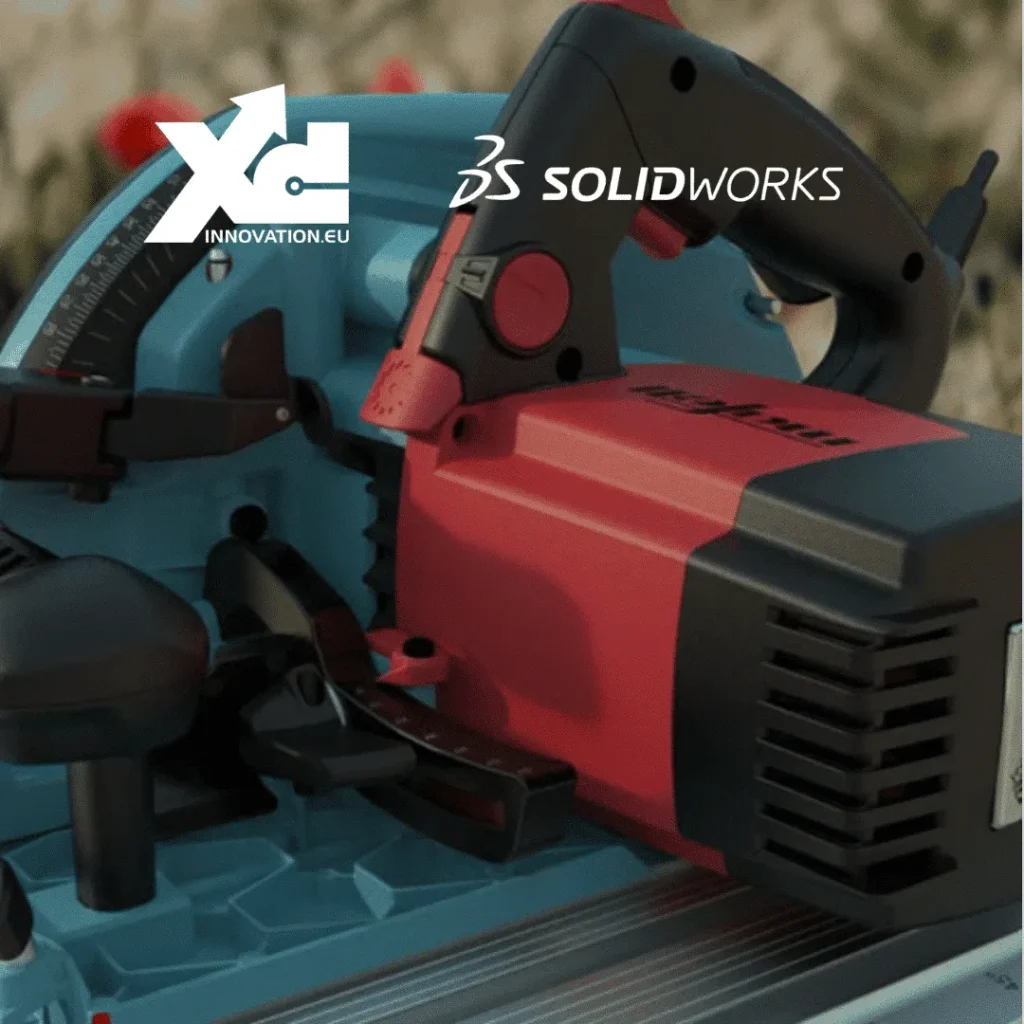
SOLIDWORKS surface module
Creating complex surfaces in SOLIDWORKS may seem daunting to novice users, but with the right tools and a solid understanding of the basic concepts, it is possible to create highly detailed and realistic shapes.
One of the most important and easy-to-use tools for creating complex surfaces in SOLIDWORKS is the Creation of surfaces of revolution. It allows users to create surfaces by rotating a profile curve around an axis of revolution. This tool is particularly useful for creating cylindrical and conical shapes. For example, if you need to design a turned woodworking piece, this is the feature you’ll use most often.
The tools for creating folding and unfolding surfaces also allow users to create complex shapes by folding or unfolding basic surfaces. The tools for creating curved and free-form surfaces also allow users to create complex shapes by modifying the control points of existing surfaces. Constrain a spline "On-screen touchpoints" is one of the features most frequently used by industrial designers.
Users can also use surface modeling tools to create complex shapes by combining several different surfaces. The tools for surface fusion allow you to merge two surfaces together to create a single surface, while the tools for surface cutting allow you to remove part of a surface to create a new shape. With a little practice, these «Boolean» tools make it very easy to create, for example, an enclosure for an electronic component.
It is also possible to use surface modeling tools to create complex shapes using Bézier curves or NURBS. These curves make it possible to create more fluid and natural shapes that can be used to create complex surfaces.
In conclusion, creating complex surfaces in SOLIDWORKS requires a good understanding of the available tools, but once mastered, it allows users to create realistic and intricate shapes for professional applications.It is important to practice and experiment with surface modeling tools to become comfortable with creating complex surfaces.Feel free to check out our SOLIDWORKS training programs.
New: SOLIDWORKS CLOUD OFFER
A new SOLIDWORKS online offering is now available, featuring fully web-based, highly powerful modules for creating advanced surfaces. Check out the dedicated blog post: SOLIDWORKS for Mac.
Finally, of course, to be even more efficient, Ohmycad’s specialized SOLIDWORKS coaching and training sessions on complex surfaces will help you bring your ideas to life in no time. We’re here to answer any questions you may have.