
 Problem:
In SOLIDWORKS, continuous lines can sometimes appear in place of dotted lines in drawings, making them difficult to read and prone to production errors.
Cause:
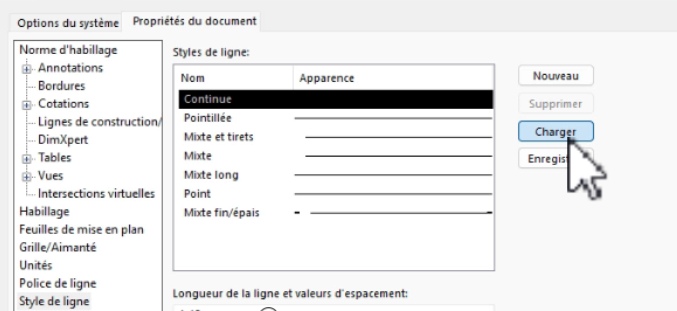
Check that the layout file is correctly configured: open the document and go to Option > Document properties > Line style
what we should have vs. what we really have
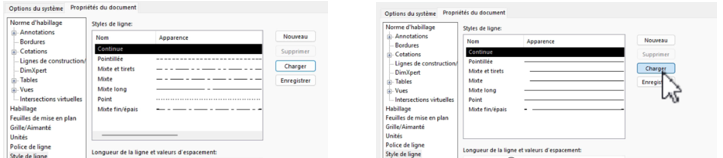
Resolution: Modify line styles
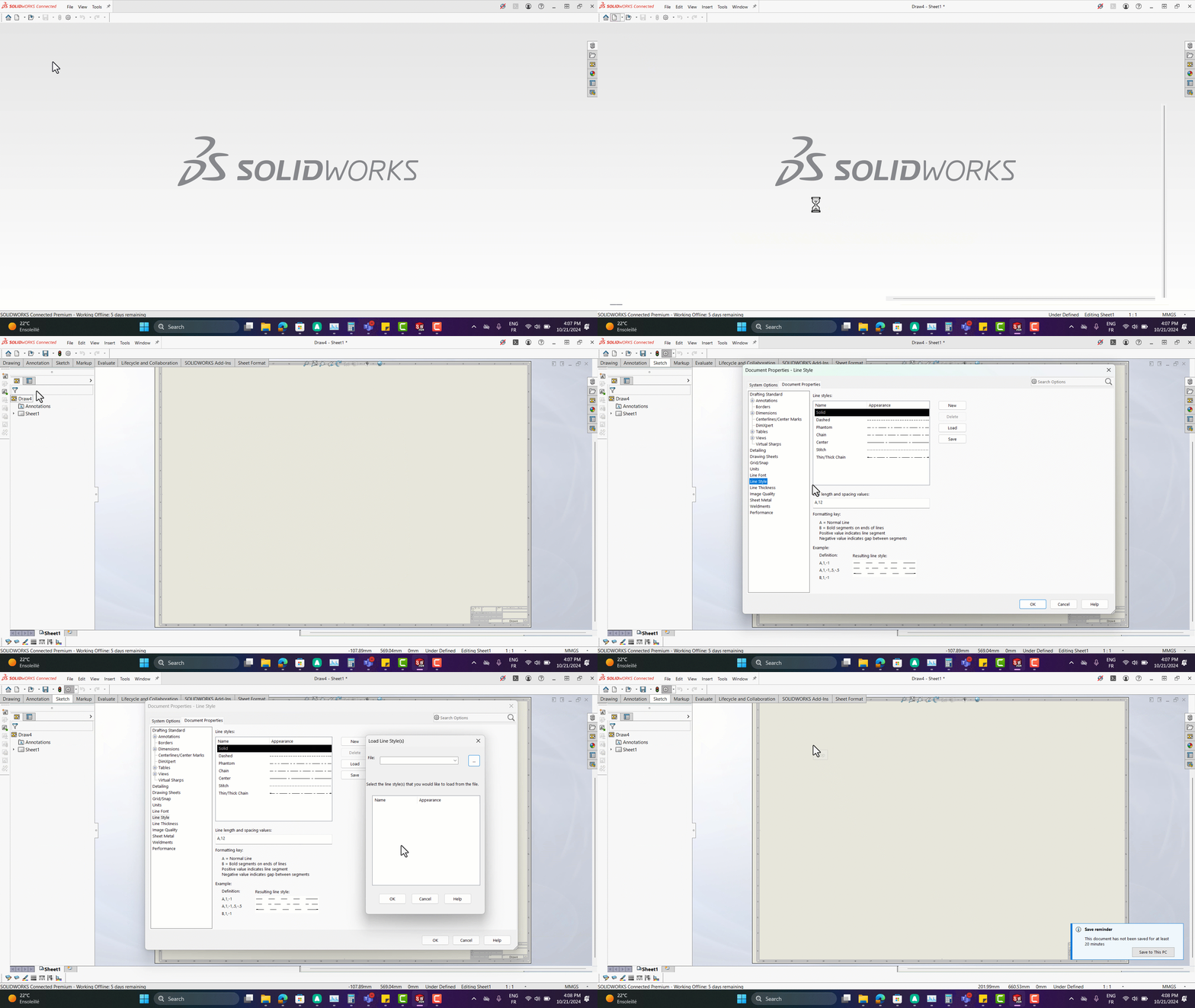
It’s best to replace the line style parameter file.
- download this standard and functional .sldlin properties file.
- To reinsert a correct file, go to Tools > Document properties > Line style > load
- Select the path of the file you have just downloaded
- Select all lines by pressing the “Ctrl” key on your keyboard
- Click on ok
Tips
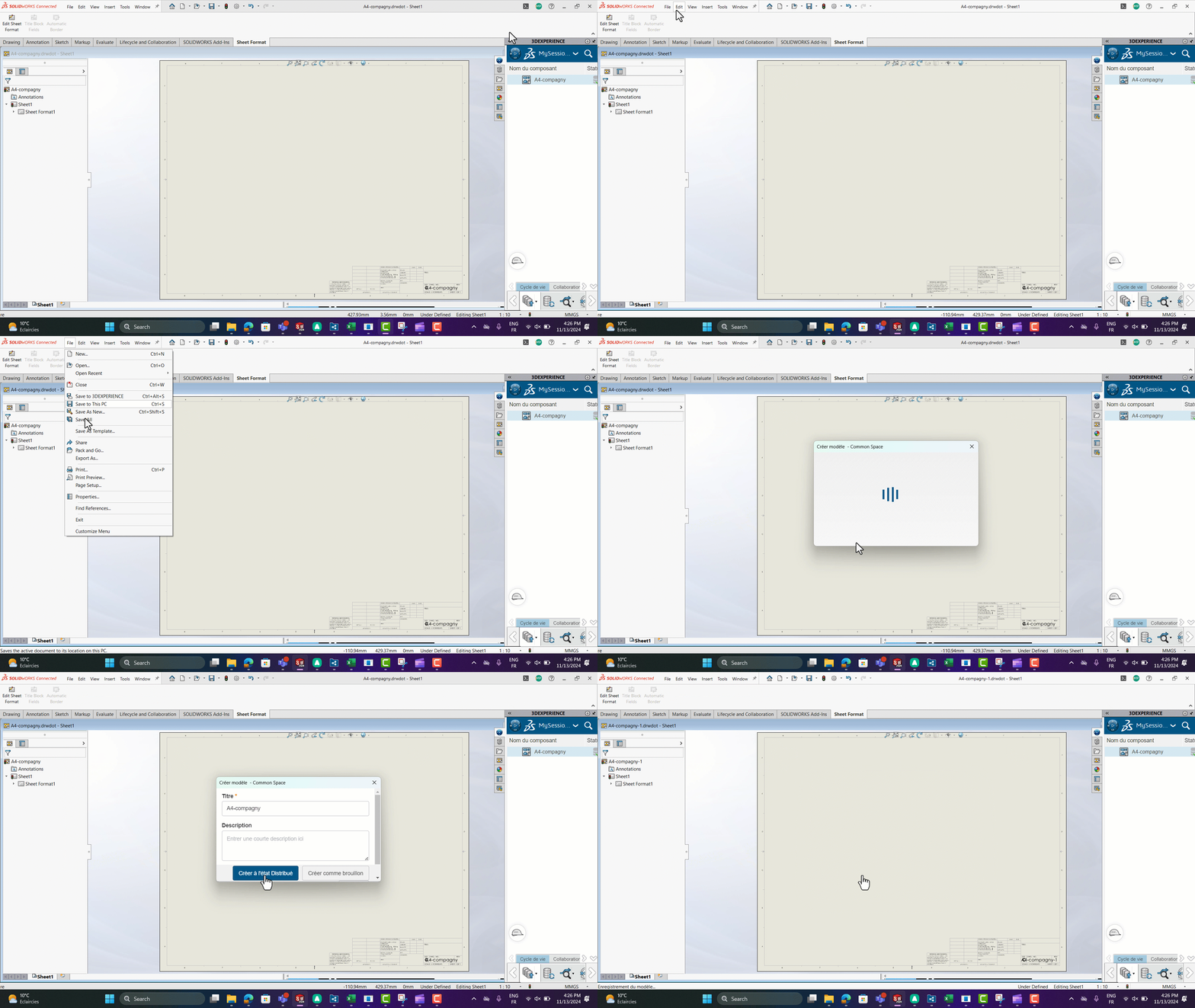
To make sure you have the right line style for your next drawing, you can save the template:
Go to File > save as template
For further information, please refer to our article on creating and sharing models.
post tags :
solidworks online
Solidworks 3DEXPERIENCE
Solidworks for startups
industrial startup
SOLIDWORKS 2026 pricing
industrial
startup
associative
solidworks legal
solidworks hacking
free licenses
subscriber
lium
solidworks
incubator
drafter
cloud
technical support
catia
CATIA V5
heavy-duty assemblies
solidworks design 2026
Solidworks cloud




