
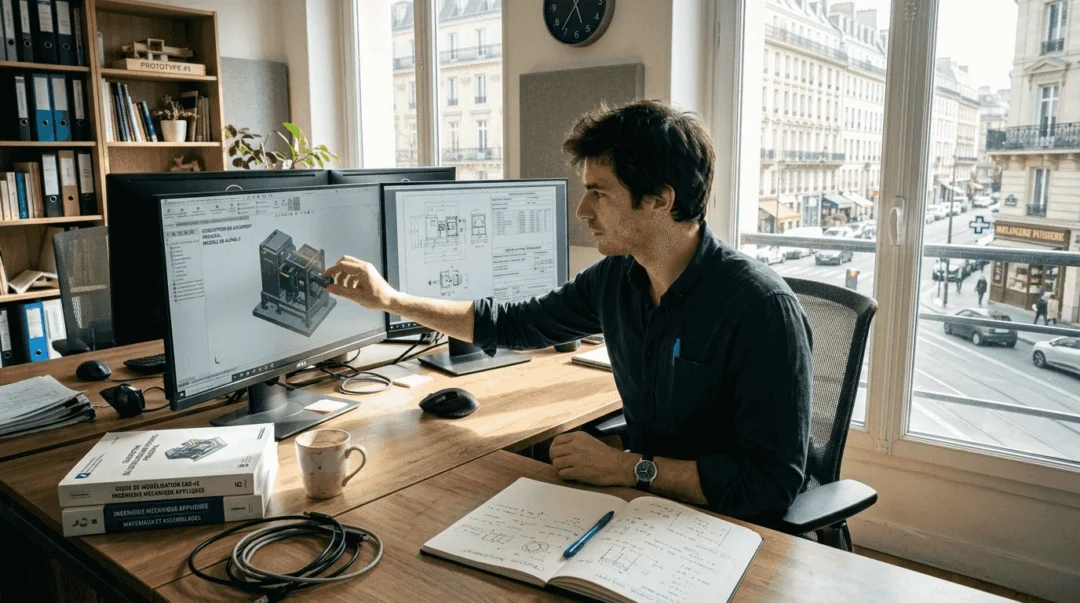
Professional 3D design now requires far more than modeling skills. Engineers and designers face growing challenges: collaborating effectively with distributed teams, simulating complex behaviors before prototyping, and managing assemblies with thousands of components. The 3DEXPERIENCE platform and CATIA provide integrated solutions to turn these challenges into competitive advantages. This detailed guide helps you optimize your workflows—from initial setup to advanced techniques—while covering the innovations in the R2025x release that are revolutionizing eco-design.
Table of contents
- Key takeaways
- Prepare your 3D design environment with 3DEXPERIENCE and CATIA
- Perform advanced modeling and manage complex assemblies in CATIA
- Optimize simulation and product collaboration on the 3DEXPERIENCE platform
- Leverage CATIA R2025x new features to innovate and integrate eco-design
- Discover Ohmycad solutions for your 3D design with 3DEXPERIENCE and CATIA
- Frequently asked questions
Key takeaways
| Point | Details |
|---|---|
| Integrated collaboration | The 3DEXPERIENCE platform centralizes data and communications for effective real-time collaboration |
| Advanced modeling | CATIA excels at managing complex surfaces and assemblies with thousands of parts |
| High-performance simulation | Integrated tools drastically reduce physical prototyping costs while accelerating validation |
| R2025x innovation | New features strengthen eco-design from the earliest project phases |
| Workflow optimization | Targeted strategies improve system performance and design team productivity |
Prepare your 3D design environment with 3DEXPERIENCE and CATIA
The success of your design projects depends on a methodical configuration of your software environment. The 3DEXPERIENCE platform offers several essential modules depending on your specific needs. The CATIA Design module integrates parametric and surface modeling, while SIMULIA handles mechanical, thermal, and fluid analyses. ENOVIA ensures product lifecycle management and document traceability.
The initial setup of 3DEXPERIENCE CATIA requires particular attention to system settings. First, check hardware compatibility: a recent multi-core processor, at least 32 GB of RAM for complex assemblies, and a certified graphics card with 8 GB of dedicated VRAM. Disk space should allow at least 500 GB for project files and component libraries. A stable network connection ensures continuous access to cloud data and real-time synchronization.
Project organization is a fundamental pillar. Create a consistent folder structure from the outset: separate source models, assemblies, simulations, and renderings. Define strict naming conventions to make searching easier and avoid duplicates. Collaboration enables centralized management of versions and changes, eliminating the risk of conflicts between contributors.
| 3D tool | Primary function | Typical use case |
|---|---|---|
| CATIA Design | Parametric and surface modeling | Complex aerospace parts |
| SIMULIA | Mechanical and thermal analyses | Product behavior validation |
| ENOVIA | Lifecycle and data management | Traceability of project changes |
| DELMIA | Manufacturing planning | Production process optimization |
Data security requires rigorous configuration of access rights. Use secure collaborative spaces to share only relevant information with each team member. Enable multi-factor authentication to protect user accounts. Schedule daily automatic backups on redundant servers, with off-site copies to ensure business continuity.
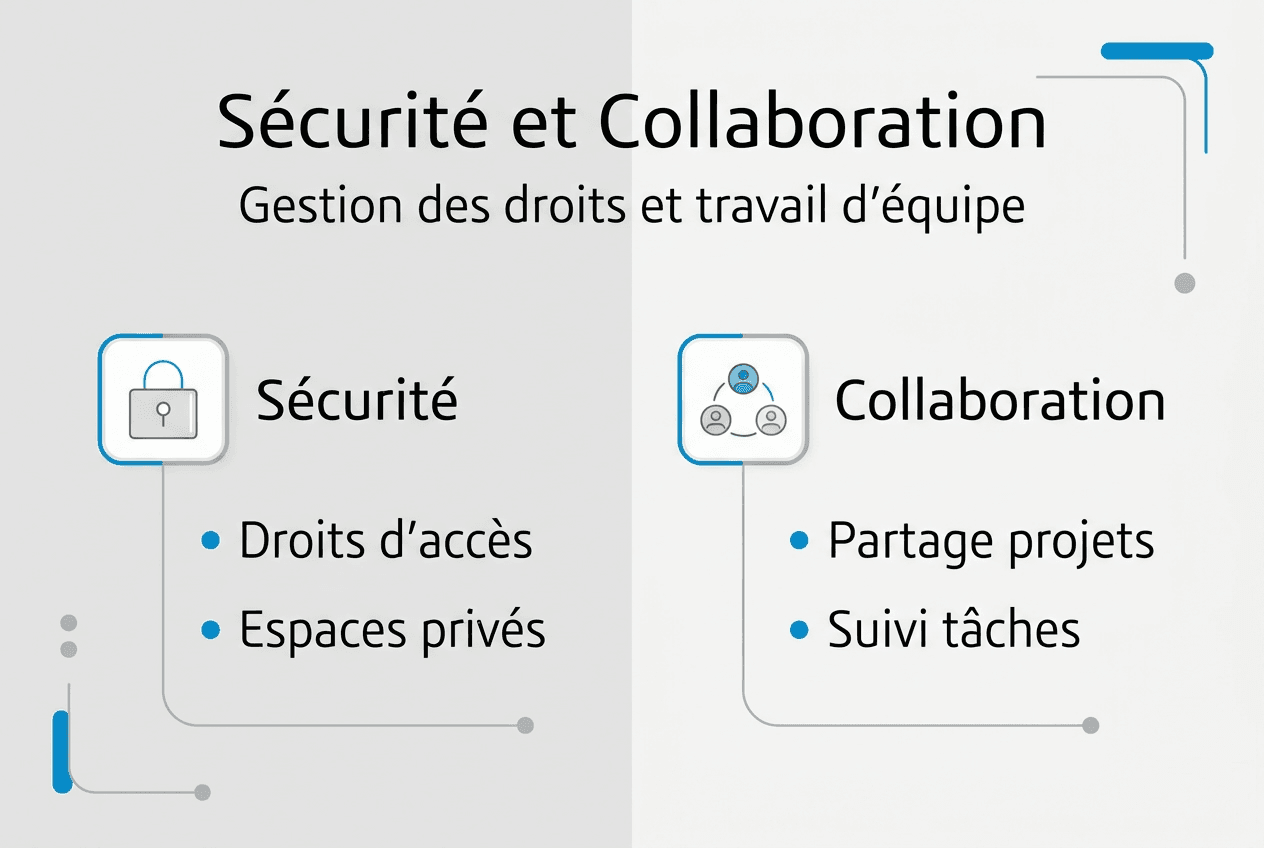
The most common configuration errors include forgetting to update graphics drivers, which causes random crashes. Also check Windows performance settings: disable indexing on large project folders and adjust virtual memory. Compatibility between CATIA and 3DEXPERIENCE versions must be validated before any migration, as with SOLIDWORKS installation, which follows similar principles.
Pro tip: Customize your 3DEXPERIENCE dashboards to display only the critical indicators for your daily workflow. Group recurring tasks into dedicated widgets and set up alerts for key project milestones. This optimization reduces navigation time by 40% and improves responsiveness to urgent requests.
Perform advanced modeling and manage complex assemblies in CATIA
Modeling complex surfaces is a major technical challenge in the aerospace, automotive, and marine sectors. NURBS surfaces provide the flexibility needed to create organic shapes while maintaining geometric continuity. CATIA excels in this area thanks to its advanced smoothing tools and automatic blending algorithms. Managing constraints between adjacent surfaces ensures assembly watertightness and the quality of downstream analyses.
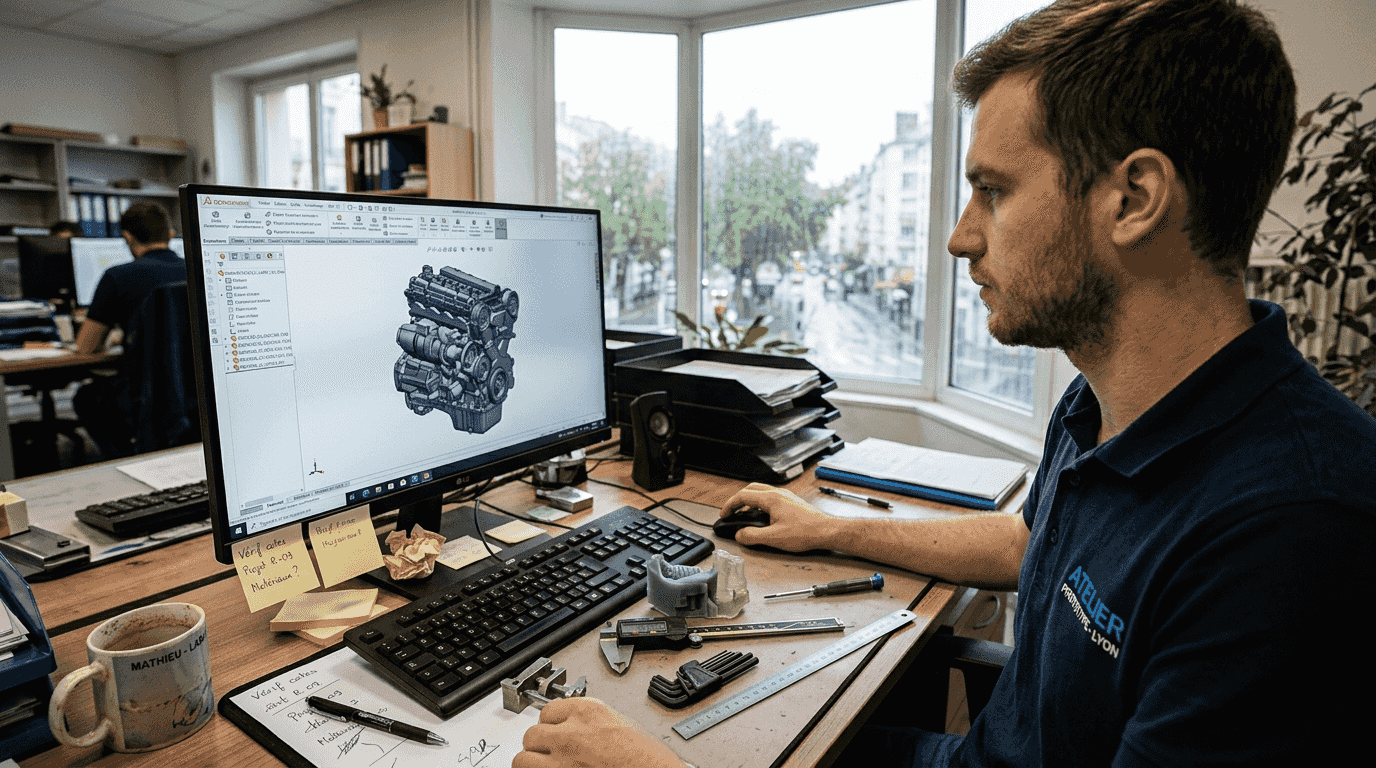
Large assemblies present specific performance issues. A model with 5,000 parts can consume 16 GB of RAM and significantly slow down display. The solution lies in smart use of representation modes: simplified mode displays only essential outlines, reducing graphics load by 70%. Cache mode keeps only the components visible in the active window in memory, freeing resources for editing operations.
Creating NURBS surfaces follows a proven methodology. Start by defining guide curves precisely, respecting tangency at junctions. Use the Multi-sections tool to generate the initial surface, then refine it with local deformation functions. Systematically validate G2 continuity at blends to avoid visual defects and machining issues. Curvature analysis immediately reveals problematic areas that require adjustment.
Optimization practices prevent slowdowns and data corruption in CATIA V5. Regularly purge the construction history to lighten files. Remove unused features and orphan references that clutter memory. Externalize standard components into shared libraries rather than duplicating them in each assembly. This discipline keeps load times under 30 seconds even for large projects.
Best practices for assembly management follow a hierarchical logic:
- Structure the specification tree into logical sub-assemblies that reflect the actual product architecture
- Use robust positioning constraints that avoid circular dependencies that block updates
- Enable lightweight mode for unmodified components, reducing memory load by 60%
- Create multiple configurations to manage product variants without duplicating source files
- Document interfaces between sub-assemblies to facilitate collaborative work and future changes
- Validate geometric consistency after each major change with interference detection tools
Managing complex SOLIDWORKS assemblies follows similar principles, although the interfaces differ. Simplification techniques apply universally: replace detailed parts with simplified envelopes in overall views. Use graphical rather than geometric representations for components far from the active work area.
Pro tip: CATIA V5 Light mode loads only visible geometry without the full construction history. Enable it systematically for reference components you will not modify during the session. This approach cuts the opening time of assemblies with more than 2,000 parts by a factor of three and eliminates memory lockups on standard hardware configurations.
Regular data validation prevents costly downstream errors. Run geometric quality analysis weekly to detect degenerate surfaces, tiny stray edges, and microscopic holes. Check assembly tolerances with kinematic simulation tools before the prototyping phase. Export validation reports to document technical decisions and justify design choices to clients.
Optimize simulation and product collaboration on the 3DEXPERIENCE platform
The 3DEXPERIENCE platform integrates simulation capabilities that transform product development. Structural analyses verify mechanical strength under static and dynamic loads. Thermal simulations model heat transfer and identify critical hot spots. Fluid studies optimize aerodynamics and internal flows. This breadth covers 90% of industrial validation needs without relying on external tools.
Simulation reduces prototyping costs and improves product performance thanks to integrated thermal, mechanical, and fluid analyses. A physical prototype costs between €5,000 and €50,000 depending on complexity, not including manufacturing lead times of 2 to 6 weeks. Virtual simulation cuts these costs by a factor of ten and reduces development cycles by 40%. Design iterations become almost instantaneous, enabling exploration of dozens of variants in just a few days.
3DEXPERIENCE collaborative features eliminate organizational silos. Secure spaces bring together all project stakeholders: designers, analysts, quality managers, and external suppliers. Each person accesses relevant information according to their permissions, with no risk of intellectual property leakage. Customized dashboards display progress in real time: ongoing tasks, milestones reached, key performance indicators.
| Simulation type | Product application | Key benefit |
|---|---|---|
| Static structural | Vehicle chassis | Load strength validation |
| Modal dynamics | Vibrating equipment | Resonance prevention |
| Transient thermal | Embedded electronics | Heat dissipation management |
| External CFD | Automotive bodywork | Aerodynamic optimization |
| Cyclic fatigue | Aerospace parts | Service life prediction |
Real-time collaboration transforms design reviews. No more endless email threads with manually versioned files. Annotations appear instantly on 3D models, visible to all participants. Decisions are automatically logged with timestamps and contributor identification. This transparency speeds up problem resolution and reduces misunderstandings by 60%.
“Integrating simulation from the earliest design phases makes it possible to identify 80% of potential defects before manufacturing the first prototype, saving millions of euros and months of development in complex industrial projects.”
Key benefits of real-time collaboration include:
- A 50% reduction in time spent in coordination meetings thanks to automatic updates
- Elimination of version errors with a single authoritative source of truth
- Faster cross-department validations thanks to automated workflows
- Improved regulatory traceability with a complete change history
- Easier onboarding of new team members through accessible centralized documentation
3DEXPERIENCE social collaboration extends beyond company boundaries. Bring your strategic suppliers into dedicated communities to co-develop critical components. Share technical specifications, simplified CAD models, and performance requirements. Suppliers propose improvements directly in the platform, creating a continuous innovation loop.
Parametric simulations leverage the power of cloud computing. Run design of experiments with hundreds of geometric and material variants. Optimization algorithms automatically identify the best configurations according to your criteria: minimum mass, maximum stiffness, reduced manufacturing cost. This systematic approach outperforms human intuition when exploring the design space.
Leverage CATIA R2025x new features to innovate and integrate eco-design
The R2025x release offers innovation tools and eco-design capabilities that transform product development workflows. The redesigned user interface improves usability with smart contextual menus that anticipate the next commands. Graphics performance improves by 35% thanks to rendering engine optimization, making it smoother to handle large assemblies. Calculation algorithms now fully leverage multi-core processors, halving simulation times.
Eco-design becomes a central pillar with modules dedicated to environmental analysis. Calculate your products’ carbon footprint from the design phase by integrating material data, manufacturing processes, and end-of-life scenarios. Instantly compare the impact of different choices: recycled aluminum versus composite, machining versus additive manufacturing, bolted assembly versus welding. These analyses guide decisions toward sustainable solutions without compromising technical performance.
Engineering workflows benefit from intelligent automation. Design assistants propose optimized solutions based on machine learning trained on thousands of successful projects. Automatic technical documentation generation extracts views, dimensions, and bills of materials directly from 3D models, eliminating manual re-entry and reducing errors. Updates propagate automatically across all related documents.
The construction sector benefits particularly from BIM improvements. Interoperability with IFC and Revit formats facilitates exchanges with architects and engineering firms. Building energy simulations integrate natively into the structural design workflow. Life cycle analyses compare construction material variants based on their overall environmental impact, from transport to demolition.
Benefits for efficiency and sustainability include:
- A 25% reduction in design time thanks to automation and intelligent assistants
- A 30% reduction in product carbon footprint through material and process optimization
- A 40% improvement in recyclability through modular design and appropriate material choices
- A 50% acceleration in environmental regulatory compliance with automated reports
- A stronger brand image through tangible demonstration of sustainable development commitment
Technological innovation goes hand in hand with environmental responsibility. Leading companies integrate these principles from the initial definition of customer needs. The CATIA benefits for large projects are strengthened with R2025x, positioning users at the forefront of sustainable design. Benchmarking tools make it possible to precisely quantify environmental gains and communicate effectively with stakeholders.
Training on the new features requires a moderate initial investment. Dassault Systèmes offers progressive learning paths with interactive modules and hands-on projects. Teams become operational on essential functions in two weeks, then deepen advanced capabilities according to their specific needs. Return on investment appears from the first projects thanks to productivity gains and fewer iterations.
Discover Ohmycad solutions for your 3D design with 3DEXPERIENCE and CATIA
You have now mastered the fundamentals of advanced 3D design with 3DEXPERIENCE and CATIA. Moving from theory to practice requires expert support and solutions tailored to your specific projects. Ohmycad positions itself as your preferred partner to deploy these powerful technologies in your professional environment.
Our expertise covers the entire lifecycle of your projects: from selecting the optimal software configuration to day-to-day technical support. We offer customized training that accelerates your teams’ skills development on CAD na nuvem com 3DEXPERIENCE and the CATIA modules essential to your industry. Our certified consultants analyze your current workflows and identify concrete optimization opportunities.
The cloud solutions we deploy guarantee maximum availability and enhanced security for your sensitive data. Test 3DEXPERIENCE CATIA in real conditions with our demonstration environments configured to your specific needs. Discover why CATIA for large projects remains the preferred choice of industrial leaders for their most complex developments.
Frequently asked questions
What are the main differences between CATIA and SOLIDWORKS?
CATIA excels in complex surface modeling and managing very large industrial assemblies, while SOLIDWORKS prioritizes ease of use for standard mechanical design. CATIA is the benchmark in aerospace and high-end automotive, while SOLIDWORKS dominates SMEs and equipment manufacturers. The choice depends on the geometric complexity of your products and the size of your assemblies. 3DEXPERIENCE CATIA combines the strengths of both approaches in a unified platform.
How does 3DEXPERIENCE improve design collaboration?
The platform centralizes all project data in a single repository accessible in real time by all authorized collaborators. Changes appear instantly, eliminating version conflicts and endless email threads. Secure collaborative spaces make it possible to include external suppliers without compromising intellectual property. Automated workflows speed up approvals and maintain full traceability of technical decisions.
What are the benefits of the R2025x release for eco-design?
R2025x integrates environmental analysis modules that calculate the carbon footprint from the design phase. The tools automatically compare the impact of different materials and manufacturing processes. Easier modular design improves product recyclability at end of life. Regulatory compliance reports are generated automatically, accelerating environmental certifications. This approach reduces ecological impact by 30% while maintaining technical performance.
What are common issues in CATIA modeling and their solutions?
Degenerate surfaces appear when blends are poorly constrained; resolve them by systematically checking G2 continuity. Slow assemblies result from excessive unnecessary detail; enable lightweight mode for unmodified components. Frequent crashes often indicate outdated graphics drivers or insufficient memory. Regularly purge the construction history and externalize standard components into shared libraries to maintain optimal performance.
What tips can help you get started effectively with 3DEXPERIENCE?
Start with the modules essential to your role rather than exploring everything at once. Configure your customized dashboards from day one to display only relevant indicators. Follow official training courses that accelerate mastery of advanced functions. Join user communities to share best practices and quickly resolve technical issues. Plan a gradual migration by starting with a pilot project before rolling out at scale.




