
Problem:
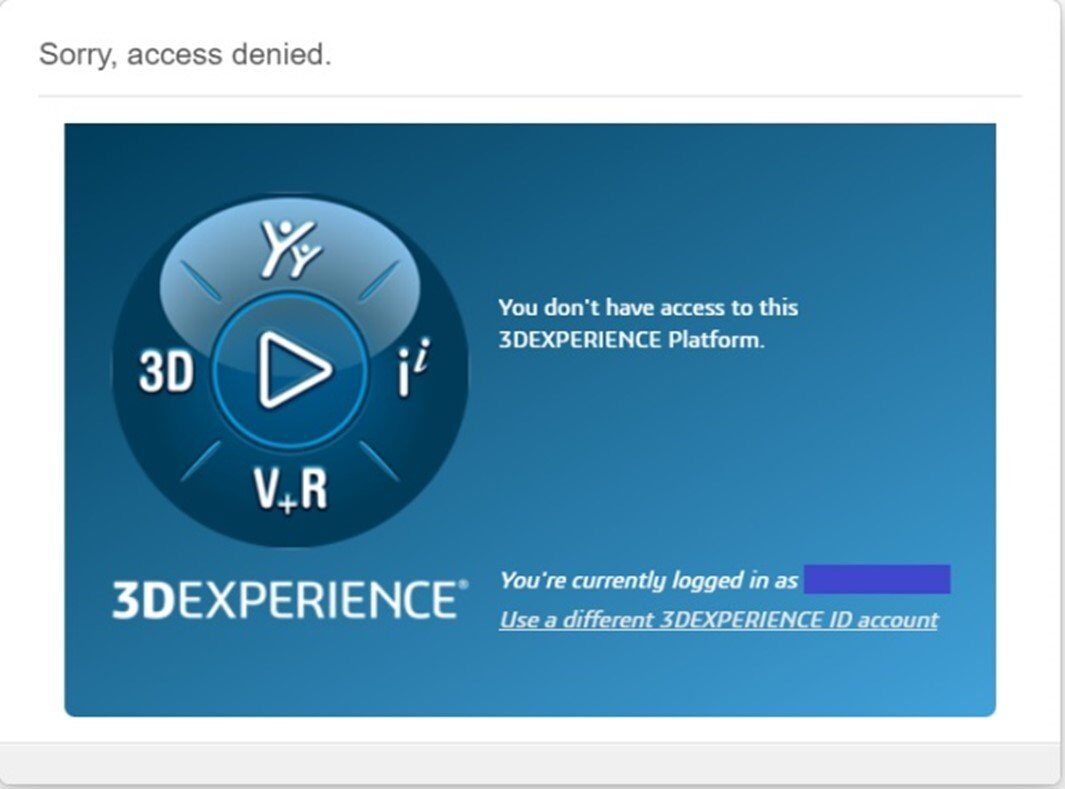
When you open the 3DEXPERIENCE platform, an“access denied” error message appears, and you are unable to use it.
Causes and resolutions :
1. Web browser data obsolete
It is possible that some stored cookies may contain obsolete or corrupted data. It is therefore advisable to clean them up to enable the browser to load “fresh” versions of the data.
Resolution :
a. Open the page in a private browser window (Ctrl + Shift + N)
b. Open the page in another web browser (e.g. Edge or Chrome)
c. Clear cache and cookies your web browser
2. Blocking web extension
If the above steps don’t solve the problem, take a look at your web browser extensions; some of them may block access to 3DEXPERIENCE.
Resolution:
Disable blocking extensions.
3. Role 3DSwymer expired
Another possibility is that your access to the 3DSwymer role has expired. This is the role that provides access to 3DEXPERIENCE.
Resolution:
See this article and ask your administrator (if it’s not you) to update the role.
Still not working?
Contact us at support@xdinnovation.eu




